May 6, 2026 · 8 min read
Link in Bio for Creators: Turn Social Traffic Into Real Fans
A practical guide to building a link in bio for creators who want more subscribers, paid fans, and returning audience from the traffic they already get.
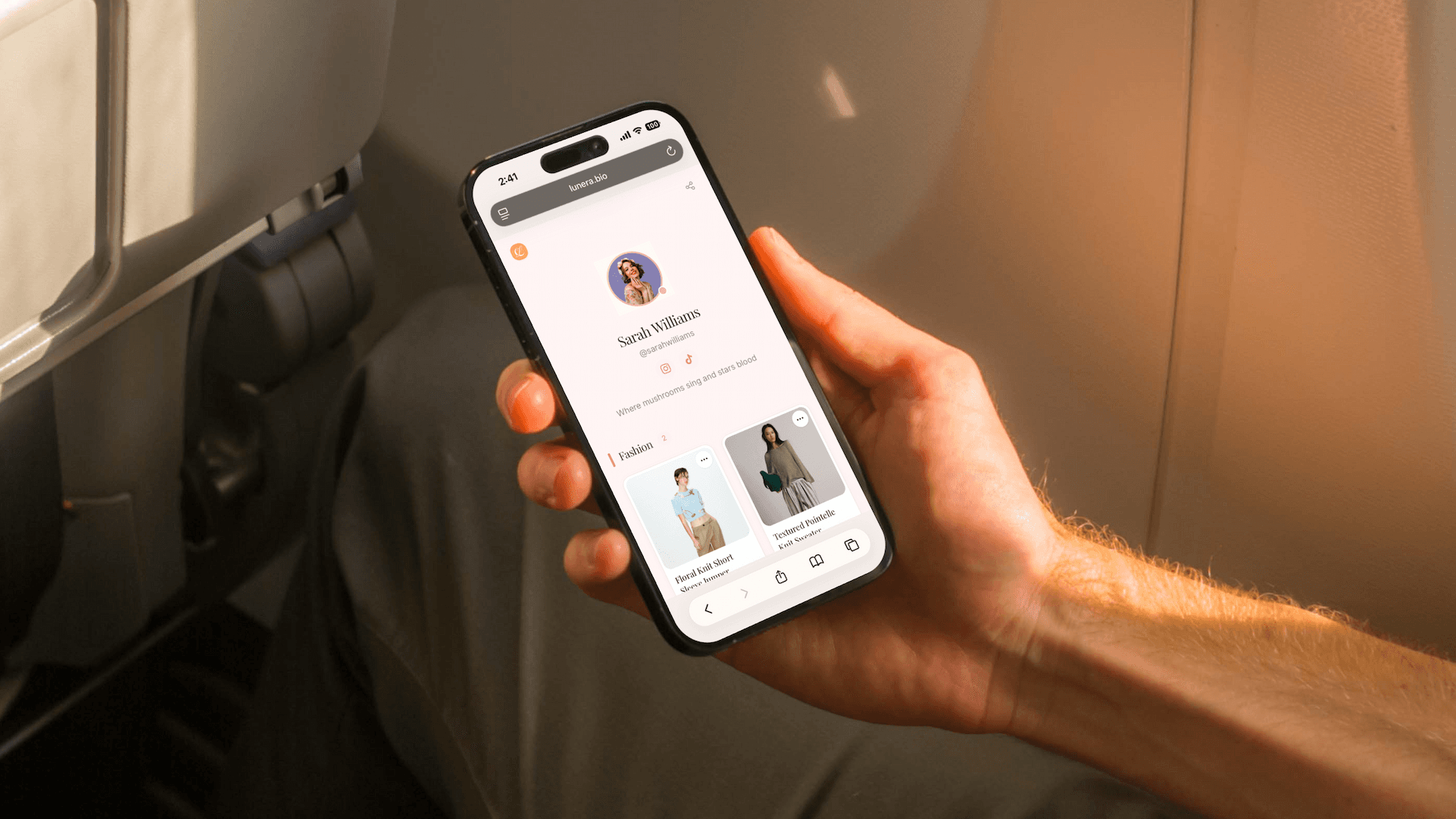
A good link in bio for creators is not just a place to park links. It is the bridge between someone who casually watches your free content and someone who becomes a real fan, subscriber, buyer, or repeat visitor.
That matters most when your best content, community, or paid page lives outside the platform where people discover you. Instagram, TikTok, X, Reddit, and YouTube can create attention. Your bio link has to turn that attention into intent.
Followers are not the same as fans
A follower liked one post. A fan does something harder:
- Opens your profile intentionally.
- Taps through to see more.
- Subscribes, joins, buys, or saves your page.
- Comes back without waiting for the algorithm.
- Trusts that your links are safe and current.
If your profile traffic lands on a messy list of buttons, you are asking new people to figure out your business model by themselves. Most will not.
The creator fan funnel
For creators with paid communities, premium content, subscriptions, wishlists, product recommendations, or private updates, the best bio link has a simple funnel:
- Welcome - one sentence that tells people what they get from you.
- Primary paid destination - the page or platform you want serious fans to visit first.
- Proof of value - your best free post, preview, gallery, product pick, or start-here link.
- Support links - wishlist, shop, affiliate favorites, newsletter, or community.
- Social links - other platforms at the bottom, not above the main action.
This structure is especially useful for creators who need an fans link in bio or a bio link for any paid subscriber page. The goal is not to hide the destination. The goal is to make the path feel intentional, clean, and easy to trust.
Why a branded bio link builds more trust
Many creators lose clicks because their bio link looks random, outdated, or too crowded. A branded page helps because it gives followers three signals before they tap anything sensitive or paid:
- The page belongs to you.
- The links are organized and current.
- The main action is obvious.
A clean creator bio link also lets you separate public, paid, and support destinations without making every profile visitor parse a wall of text.
What to put above the fold
The first screen should answer five questions in seconds:
- Who are you?
- What kind of content do people get from you?
- Where should serious fans go first?
- Is there a free preview or start-here link?
- What else can people support or explore?
For a paid creator, that might look like:
- Hero card: "Start here" or "New here? Watch this first."
- Primary card: paid subscription page.
- Secondary card: wishlist, shop, or current favorite products.
- Category: free previews, best posts, or creator updates.
- Footer: Instagram, TikTok, X, Reddit, YouTube.
Keep the paid link visible, but do not make it the only thing on the page. New visitors often need context before they subscribe.
Three changes that improve subscriber intent
1. Lead with one primary action
Do not give equal weight to ten destinations. Pick the one action that matters most this month: subscribe, join, shop, read, watch, or message.
2. Use visual cards instead of text-only buttons
Photos, covers, thumbnails, and product images help followers recognize what they came for. They also make the page feel curated instead of thrown together.
3. Keep support links organized
Wishlist, product picks, affiliate favorites, merch, and community links can all live on one page, but they need categories. Otherwise, the page feels like a dumping ground.
Building a creator bio link with Lunera
Lunera is a free iOS link-in-bio app for creators who want a cleaner page for products, recommendations, and fan destinations. You can:
- Create visual cards for your most important links.
- Organize products, paid-page links, wishlists, and social links into categories.
- Use a custom username at
lnr.bio/yourname. - Choose from free themes, with more editorial themes on Pro.
- See basic click analytics, with advanced analytics and CSV export available on Pro.
Lunera does not manage subscriptions or replace your paid platform. It gives you a cleaner front door for the links you already use.
Creator bio link checklist
- One primary action appears near the top.
- Paid, free, and support links are clearly separated.
- The page uses your name, photo, or brand cues.
- Visual cards show what followers are tapping.
- Social links are available but not distracting from the main action.
- Old campaigns and expired links are removed.
- You can explain the page in one sentence.
FAQ: link in bio for creators
How do creators turn followers into subscribers?
Creators improve subscriber intent by making the next step clear, showing a reason to subscribe, and reducing confusion between free content, paid content, and support links.
Should I link directly to my paid page or use a bio link?
If you only have one destination, a direct link can work. If you also share previews, products, wishlists, newsletters, or other platforms, a bio link gives followers a clearer path.
Treat your bio link like the lobby of your creator business. The feed gets people to the door; the page helps them decide where to go next.