July 9, 2026 · 9 min read
Link in Bio for Pilates Instructors: A Shoppable Home for Your Gear and Studio
A practical 2026 guide to a link in bio for Pilates instructors. Organize reformers, mats, grip socks, props, and apparel into a shoppable page, link out to bookings, and give clients one clear next step. Examples, checklist, and Lunera setup tips.
If clients keep asking "where are your grip socks from?", "which reformer is that?", or "what do I need to practice at home?", your bio link has one job: make the answer easy to find. But a plain list of buttons buries your best recommendations, and the follower who came for one specific prop gives up. A link in bio for Pilates instructors should turn all that repeated advice into a small, visual page people can browse in seconds.
Your content already sets the tone, calm, precise, aesthetic. Your bio link should match that feeling and show clients exactly what to grab and where.
To be clear from the start: Lunera is not a booking system or a checkout. It does not take class payments or manage your schedule. What it does beautifully is the recommendation side of your practice, the gear and products you talk about all the time, plus a clean card that links out to wherever you already take bookings. It is the shoppable front door to your studio, not the till.
What a Pilates instructor's bio link actually needs to do
Pilates is a taste-and-trust business. Clients do not tap because a prop exists. They tap because they saw it in your class clip and they trust your eye enough to want the same setup.
So a Pilates bio link has a few practical jobs:
- Help clients recognize the exact item from a post, not a vague "my equipment" pile.
- Group recommendations so mat gear, at-home equipment, and apparel are not one long scroll.
- Cut down on the same DM you answer every week.
- Give new clients one obvious path to book a class or package.
- Feel like your studio, not a generic list of links.
If your link is only social icons and a plain "Book" button, it is helping people leave faster than it is helping them join.
Why a plain list of links loses Pilates clients
A wall of identical buttons creates decision fatigue. Everything looks equally important, so nothing stands out, and attention slips away.
The usual leaks for instructors:
- Story links expire, so the grip socks you featured yesterday are gone.
- Captions get buried, so "linked in my bio" sends people to clutter.
- A button that says "Shop my faves" makes them guess which one.
- Expired workshop links and old codes stay live and quietly break trust.
- Your booking link sits under ten equal buttons.
A polished feed paired with a messy link page creates a gap, and clients feel it. A clean, organized page lets your teaching aesthetic do the selling.
The ideal Pilates instructor bio link structure
You do not need a complicated page. You need an obvious order:
- Top card - your current priority: next class block, a workshop, or your booking link.
- Book a class - a single card linking out to your schedule or studio booking, wherever you host it.
- Studio essentials - grip socks, mat, towel, the things every client asks about.
- Practice at home - reformer, magic circle, resistance rings, small ball, light weights.
- Prenatal and rehab - gentler props and supports for the clients who need them, clearly labeled.
- Apparel - what you teach in, and the pieces that move well on the reformer.
- Follow and contact - socials and a clear path for studio or brand collabs.
Put the time-sensitive item at the very top. Keep evergreen gear lower.
How to keep booking separate from shopping
Your two goals want different homes on the page.
- Class booking is a decision. Give it one prominent card near the top that links out to your existing scheduler. Do not bury it.
- Gear and props are browse-friendly. Group them into visual categories lower down so a client can shop without leaving the page confused.
Keeping these separate means the person ready to book a package is not distracted by a grip-sock link, and the person building a home setup is not stuck scrolling past your class schedule.
Turning your prop recommendations into affiliate income
"DM me for the link" puts the work on the client, and most will not bother. You are usually recommending those props for free anyway.
If you join affiliate programs for the brands you already love, each product card can carry your affiliate link, so daily recommendations can actually earn. Give each one enough context:
- A photo that matches the real product, not stock art.
- The exact size, resistance, or color when it matters.
- One honest line on why you use it.
- A single tap to the right link.
You can use your existing links from any program - Amazon, brand partnerships, or a wellness network. The page is where you organize those links so they feel curated instead of random. For a deeper walkthrough, see the guide on the affiliate link in bio and how to build a product recommendation page.
Building your Pilates bio link with Lunera
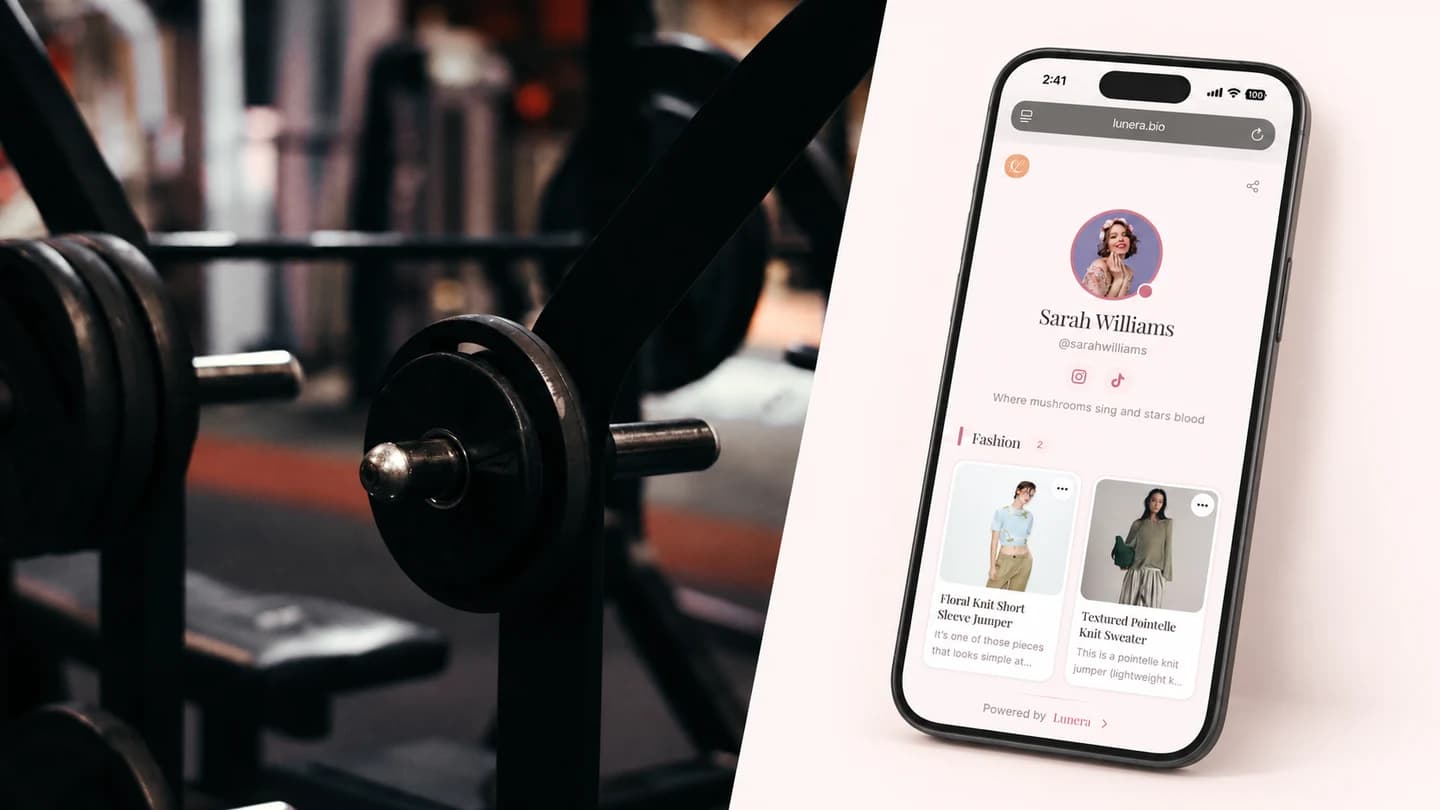
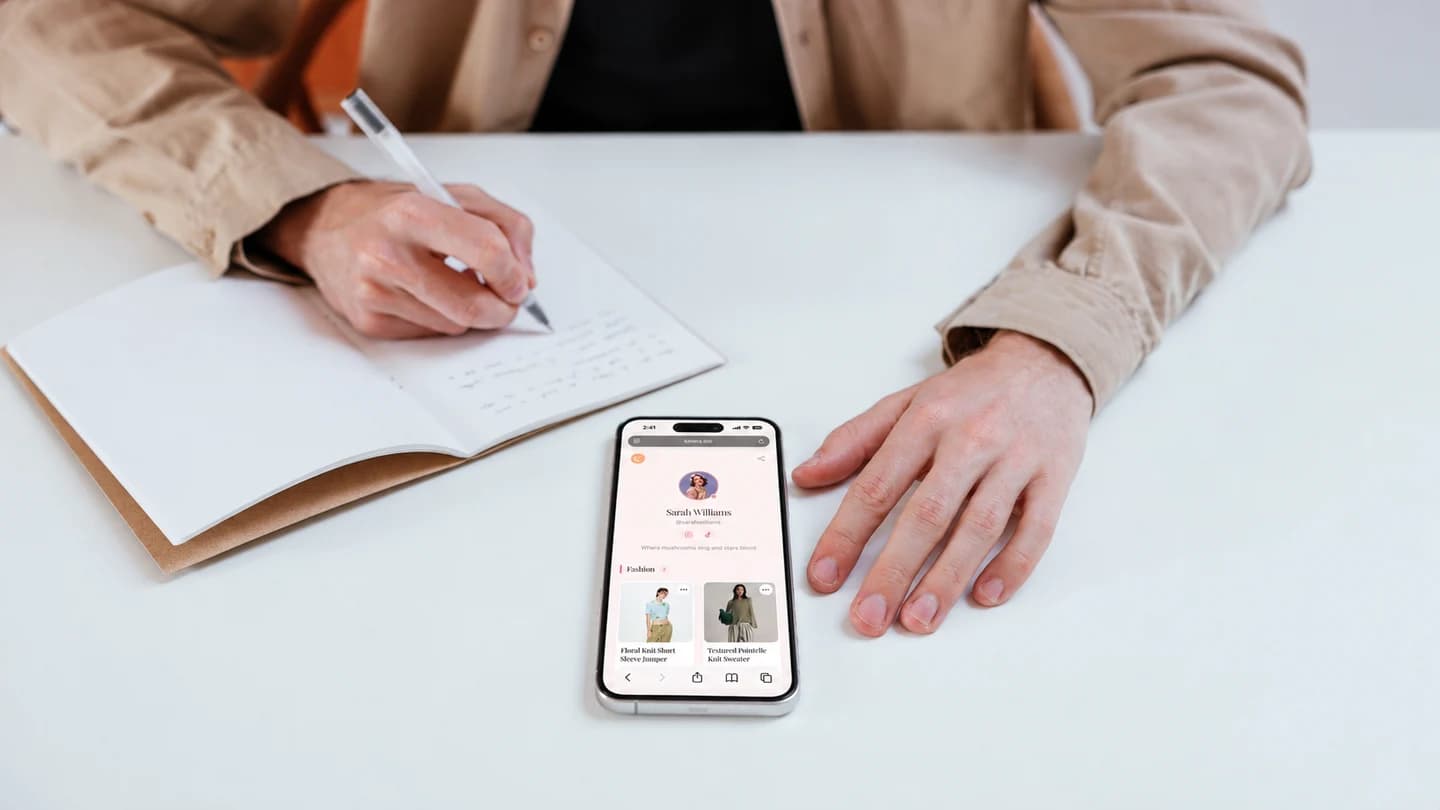
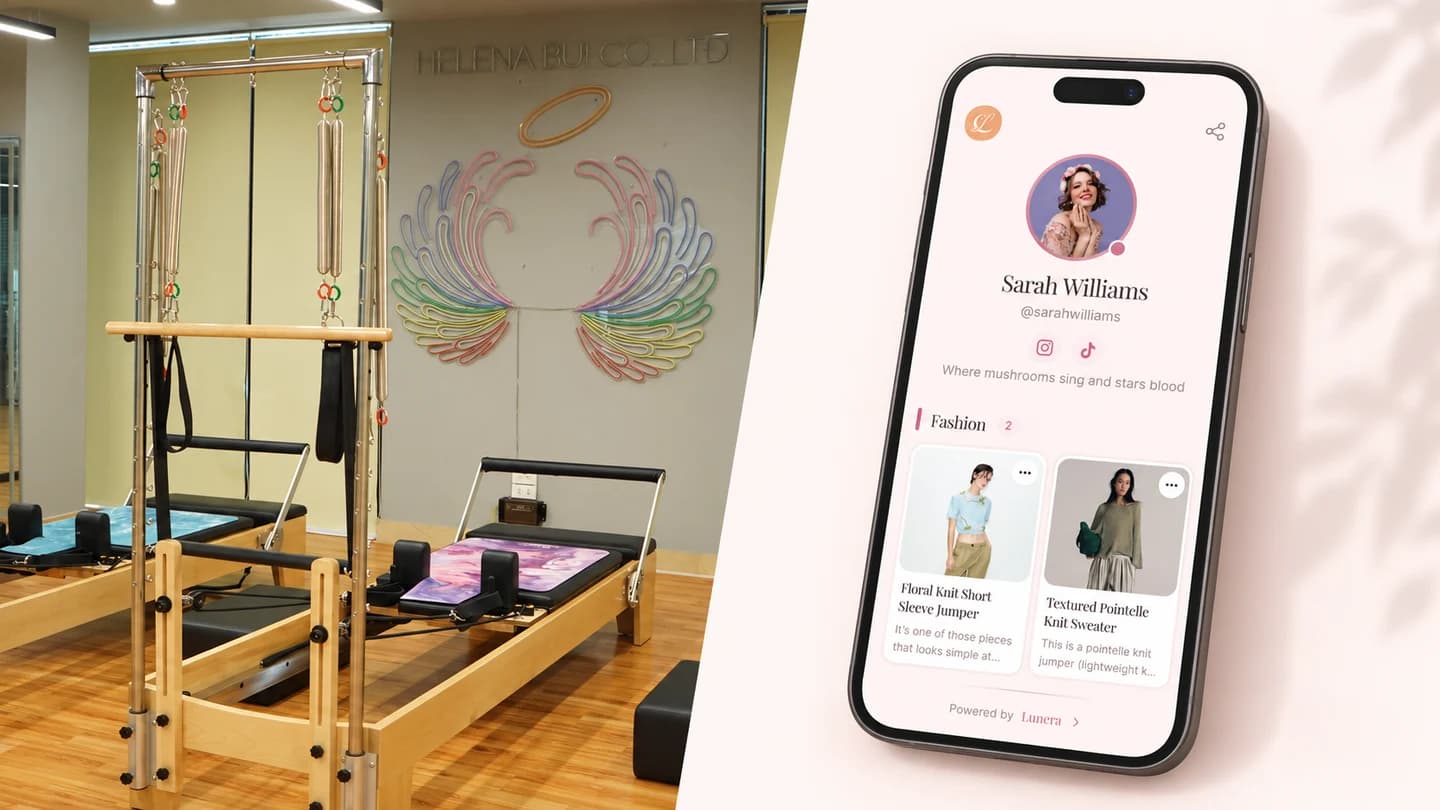
Lunera is an iOS link-in-bio app for creators who want their page to feel like a small, considered storefront instead of a directory. For Pilates instructors, that means:
- Add each item as a visual card with a photo, title, and short note.
- Organize cards into categories like studio essentials, at-home, and apparel.
- Add a plain link card for anything, including your booking page, so it sits right at the top.
- Use any affiliate link from any program, with 0% commission taken.
- Get a clean public page at
lnr.bio/yournamethat matches your studio's look. - Choose from editorial themes, with premium themes and deeper analytics on Pro.
- See click tracking so you know which props clients actually tap.
That matters because Pilates content is visual and calm, and your link page should feel the same. With a visual card, a client does not have to guess which reformer or ring came from which video.
When you are ready, you can claim your Lunera page and set it up in a few minutes from your phone.
Pilates instructor link in bio checklist
Before your next post goes live, check this:
- Your booking link is visible without scrolling.
- A client can recognize the gear from your latest class clip.
- Studio essentials, at-home gear, and apparel are grouped, not mixed.
- Sizes, resistances, and colors are noted where they matter.
- Expired workshop links and codes are removed.
- The page looks like your studio, not a template.
- There is one obvious next action.
- You can update it from your phone before you post.
FAQ: link in bio for Pilates instructors
What should a Pilates instructor put in their link in bio?
Lead with your current priority - your booking link, next class block, or a workshop - then add organized categories for grip socks, mats, at-home reformers, props, and apparel you recommend. Keep the "book with me" path separate from the "shop my gear" section so neither gets buried.
Can I take class bookings or payments through Lunera?
No. Lunera does not manage bookings or process payments. It organizes your links and recommendations. You add a card that links out to wherever you already schedule and take payment, so your booking page sits at the top of a clean, browsable page.
How do Pilates instructors earn from a link in bio?
Alongside linking to your paid classes, you can join affiliate programs for the gear you already recommend and add those links to your product cards. Lunera takes 0% commission, so you keep what each program pays. Earnings depend on your audience and the programs you join, so there are no guarantees, but it turns free recommendations into a channel.
Do I still need a separate booking or studio app?
Yes, if you take bookings and payments, keep using your scheduler or studio software. Lunera sits in front of it as your public, shoppable page and links out to it. The two work together: one for browsing and recommendations, one for the transaction.
How often should I update my Pilates bio link?
Update it whenever your priority changes - a new class block, a workshop, or a favorite prop restock. At minimum, refresh it before a post that sends people to your link, and remove anything expired.
Your bio link is the calm, organized shelf clients reach for after class. Keep the right next step in front, and let your practice do the selling.