July 10, 2026 · 9 min read
Link in Bio for Personal Trainers: Turn 'What Gear Is That?' Into Taps
A practical 2026 guide to a link in bio for personal trainers. Organize the gear, apparel, supplements, and apps you recommend into a shoppable page, link out to your booking, and give followers one clear next step. Examples, checklist, and Lunera setup tips.
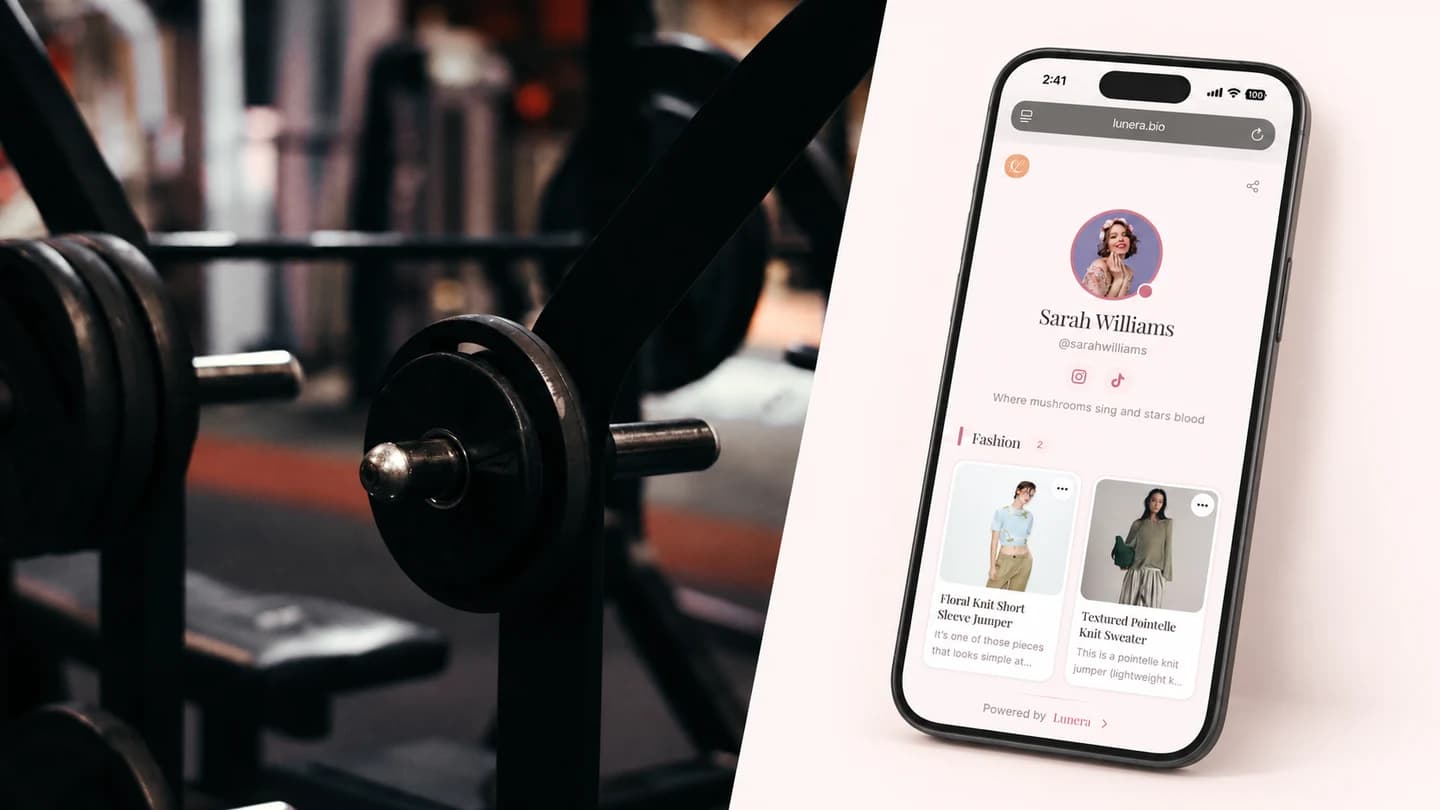
If your DMs are full of "what shoes are those?", "which shaker do you use?", and "link the resistance bands please," your bio link has one job: make the answer easy to find. But a random list of buttons buries your best recommendations, and the follower who came for one specific product gives up. A link in bio for personal trainers should turn all that repeated advice into a small, visual page people can browse in seconds.
Your content already does the hard part. It shows the workout, the form, the results. Your bio link should pick up right there and show followers exactly what to grab and where.
One thing up front, so this guide is honest: Lunera is not a checkout or a booking calendar. It does not take payments or sell your coaching for you. What it does really well is the recommendation side of your business, the gear and products you talk about every day, plus a clean card that links out to wherever you already book clients. Think of it as the shoppable front door, not the cash register.
What a personal trainer's bio link actually needs to do
Personal training runs on trust and recommendations. Followers do not tap because a product exists. They tap because they saw it in your last Reel and they trust your judgment enough to try it.
So a trainer's bio link has a few practical jobs:
- Help followers recognize the exact item from a post, not a vague "my gear" category.
- Group recommendations so supplements, apparel, and equipment are not one long scroll.
- Cut down on the same DM you answer ten times a day.
- Give serious prospects one obvious path to book or buy your programs.
- Look like your brand, not a generic list of links.
If your link is only a row of social icons and a plain "Coaching" button, it is probably helping people leave faster than it is helping them act.
Why a plain list of links loses clients and clicks
A wall of identical buttons creates decision fatigue. Everything looks equally important, so nothing stands out, and attention leaks.
The usual leaks for trainers:
- Story links expire, so the pre-workout you featured yesterday is already gone.
- Captions get buried, so "linked in my bio" sends people to clutter.
- A button that says "Shop my favorites" makes them guess which favorite.
- Expired discount codes stay live and quietly break trust.
- Your program link sits at the bottom, under ten equal buttons.
A polished feed paired with a messy link page creates a gap, and followers notice it. A clean, organized page lets your expertise do the selling.
The ideal personal trainer bio link structure
You do not need a complicated page. You need an obvious order:
- Top card - your current priority: new program intake, a challenge sign-up, or your booking link. The one thing you want people to do right now.
- Train with me - a single card that links out to your coaching, programs, or booking page wherever you host it.
- Gym bag essentials - shoes, lifting belt, straps, water bottle, the stuff people always ask about.
- Supplements - protein, creatine, pre-workout, the exact ones you actually use, with an honest note on each.
- Apparel and wearables - what you train in, plus your watch or tracker.
- Apps and reads - the tracking app, step counter, or book you recommend.
- Follow and contact - socials and a clear path for brand collabs.
Put the time-sensitive item at the very top. Keep evergreen gear lower.
How to keep booking separate from shopping
Your two goals pull in different directions, so give them different homes on the page.
- Booking and programs are a decision. Give them one prominent card near the top that links out to your existing scheduler or checkout (Calendly, your coaching platform, your own site). Do not bury it in a list.
- Gear and product recommendations are impulse-friendly. Group them into visual categories lower down so a follower can browse and tap without leaving your page confused.
Keeping these separate means the person ready to hire you is not distracted by a protein link, and the person who just wants your shaker is not stuck scrolling past your coaching pitch.
Turning your gear recommendations into affiliate income
"DM me for the link" puts the work on the follower, and most will not bother. Worse, you are usually recommending those products for free anyway.
If you join affiliate programs for the brands you already recommend, each product card can carry your affiliate link, so the recommendations you make daily can actually earn. Give each one enough context to feel confident:
- A photo that matches the real product, not stock art.
- The exact model, size, or flavor when it matters.
- One honest line on why you reach for it.
- A single tap to the right link.
You can use your existing links from any program - Amazon, brand partnerships, or a fitness-specific network. The page is where you organize those links so they feel curated instead of random. For a deeper walkthrough, see the guide on the affiliate link in bio and the Amazon affiliate storefront.
Building your personal trainer bio link with Lunera
Lunera is an iOS link-in-bio app for creators who want their page to feel like a small storefront instead of a directory. For personal trainers, that means:
- Add each product as a visual card with a photo, title, and short note.
- Organize cards into categories like gym bag, supplements, and apparel so nothing gets lost.
- Add a plain link card for anything, including your booking or program page, so your "train with me" link lives right at the top.
- Use any affiliate link from any program, with 0% commission taken, so you keep what you already earn.
- Get a clean public page at
lnr.bio/yournamethat matches your brand. - See click tracking so you know which gear followers actually tap.
That matters because trainers usually need organization and presentation more than another plain list of buttons. With a visual card, your follower does not have to guess which pre-workout came from which video.
When you are ready, you can claim your Lunera page and set it up in a few minutes from your phone.
Personal trainer link in bio checklist
Before your next post goes live, check this:
- Your booking or program link is visible without scrolling.
- Someone can recognize the gear from your latest Reel.
- Supplements, apparel, and equipment are grouped, not mixed together.
- Exact models and flavors are noted where they matter.
- Expired codes and old links are removed.
- The page looks like your brand, not a template.
- There is one obvious next action.
- You can update it from your phone before you post.
FAQ: link in bio for personal trainers
What should a personal trainer put in their link in bio?
Lead with your current priority - a booking link, program intake, or challenge sign-up - then add organized categories for the gear, supplements, apparel, and apps you recommend. Keep the "hire me" path separate from the "shop my gear" section so neither gets buried.
Can I sell my coaching or programs through Lunera?
Lunera does not process payments or handle booking itself. It is built for organizing your recommendations and links. You can add a card that links out to wherever you already take bookings or payments, so your program sits at the top of a clean page instead of the bottom of a cluttered one.
How do personal trainers make money from a link in bio?
Beyond linking to your paid coaching, you can join affiliate programs for the gear you already recommend and add those links to your product cards. Lunera takes 0% commission, so you keep what each program pays you. Affiliate earnings depend on your audience and the programs you join, so there are no guarantees, but it turns free recommendations into a real channel.
Does this work for online personal training?
Yes. Whether you train in person or online, the bio link is where followers decide what to do next. Point serious prospects to your booking or program page, and make your gear recommendations easy to shop in one place. See the platform tips in link in bio for Instagram and link in bio for TikTok.
How often should I update my trainer bio link?
Update it whenever your priority changes - a new program launch, a challenge, or a restock of your favorite gear. At minimum, refresh it before a post that sends people to your link, and remove anything expired.
Your bio link is the first thing a new follower taps after your best video. Put the right next step in front, and let your expertise do the rest.